MITUTOYO - Non-contact Line-Laser Probe for : Surface Measure | JSR GROUP
February 11, 2026
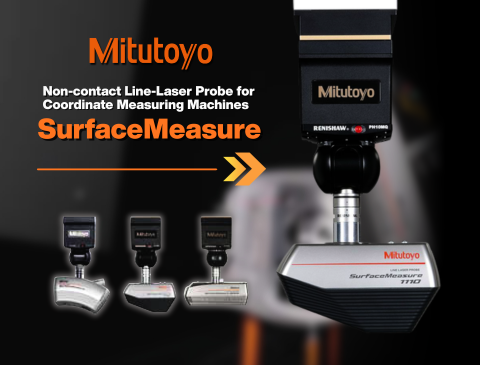
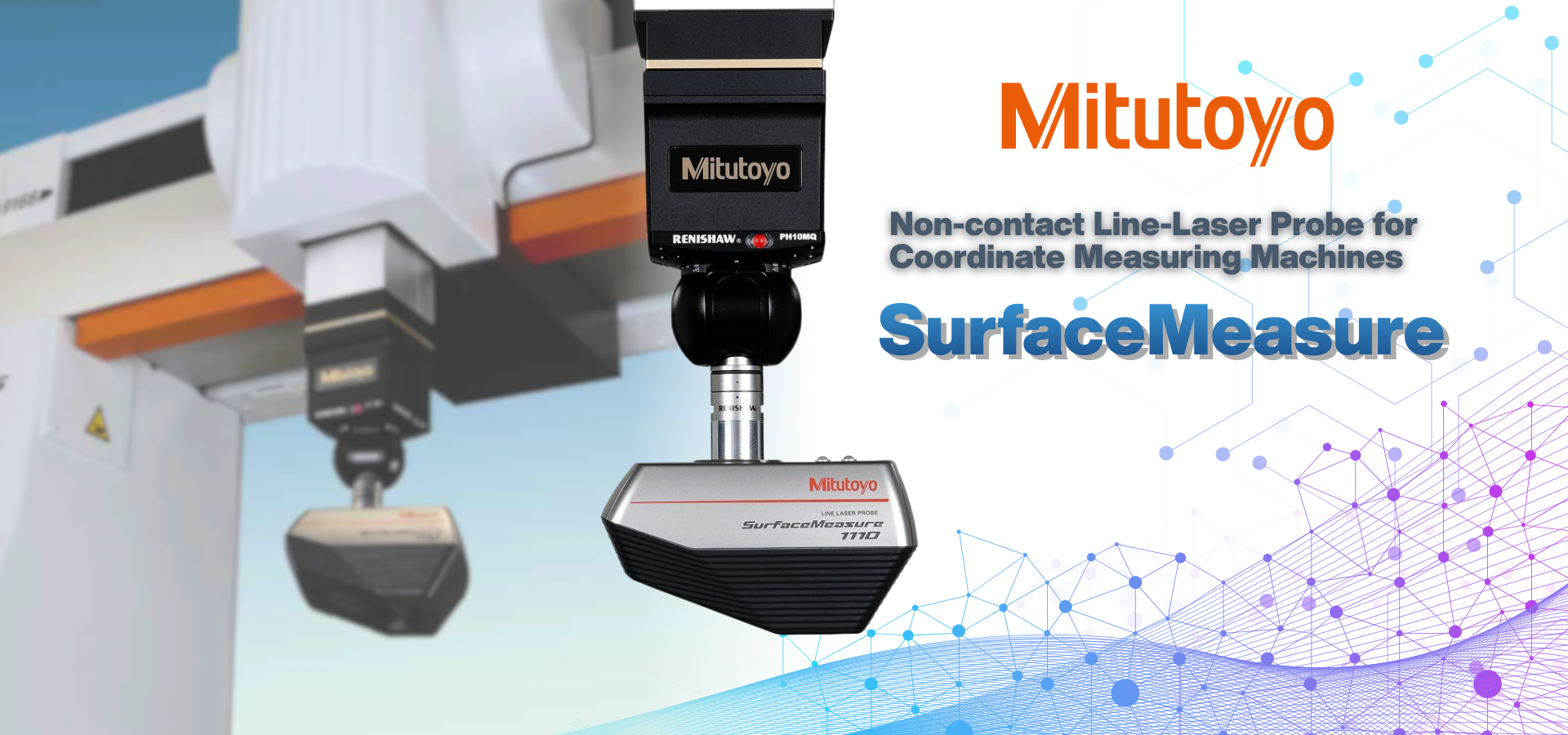
Non-contact Line-Laser Probe for Coordinate Measuring Machines
Highly accurate, high speed, and highly efficient measurements
The SurfaceMeasure probe captures stable shape data on workpieces without being affected by their reflectance.
| Introducing the new non-contact laser probe | SurfaceMeasure series | |
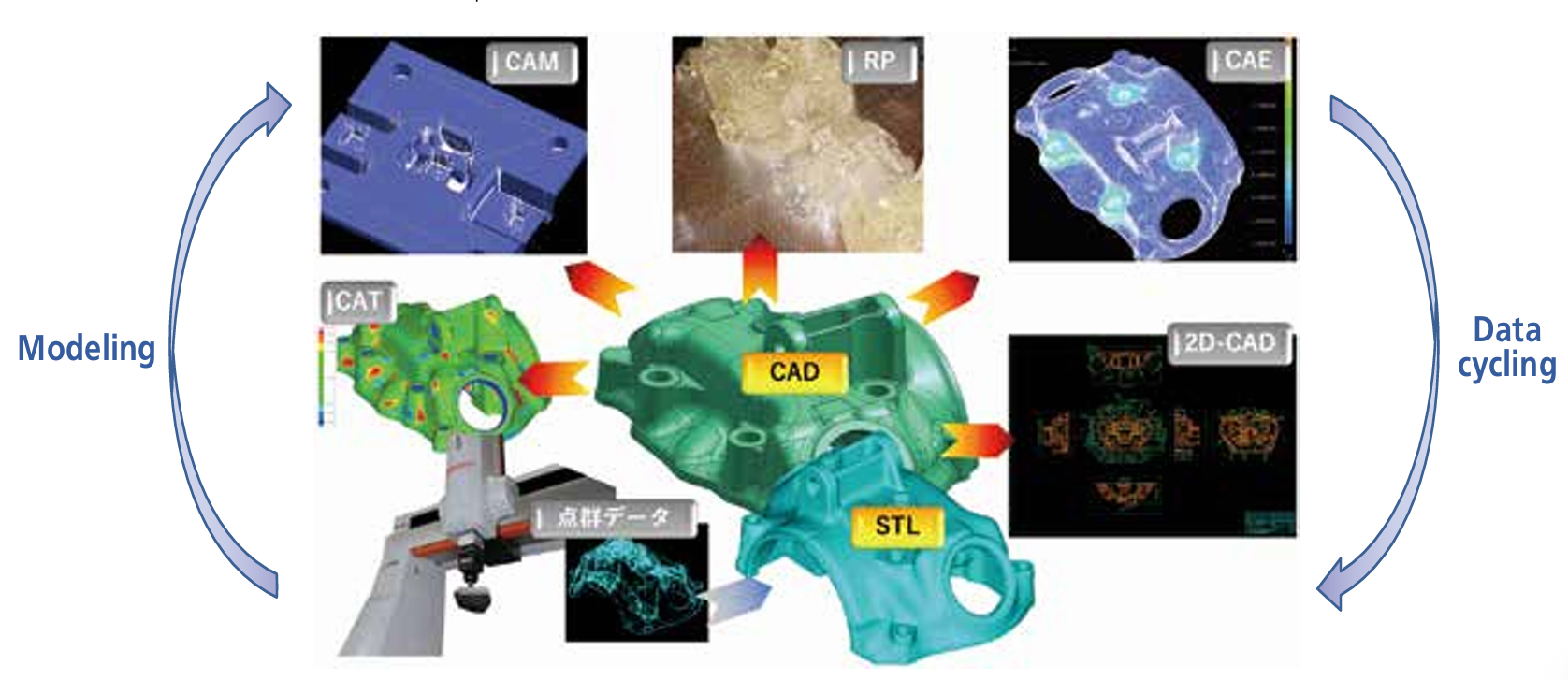
| The SurfaceMeasure makes it possible to use coordinate measuring machines, until now used primarily as inspection systems, as production systems that can be used throughout the entire process, from development and prototyping to production. | The SurfaceMeasure lineup offers six models of noncontact probe using three different laser irradiation methods and measuring range. Mitutoyo can recommend the optimal laser probe in consideration of the workpiece surface texture, operation method, etc., for each client. |
| In the development phase |
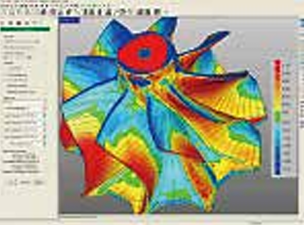
Optimized design utilizing measurement point cloud data significantly improves the efficiency of the development process, even when no master model or CAD data is available for a product. |
||
|
|
|
|
|
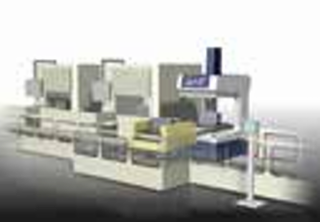
| In the prototyping phase | Shortens the entire process from prototyping to mass production because simulations can be used to compare prototypes with CAD data, check for parts interference and set clearances, and optimize machining settings. | ||
 |
 |
||
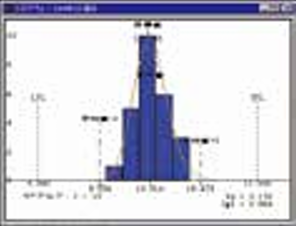
| In the production phase | Allows the obtained data to be used for correcting dies, for example, by controlling the variability in mass-produced products, and feeding analysis data back to the preceding process step. | ||
 |
 |
 |
|
Non-contact Line-Laser Probe with Mitutoyo Quality
Now you can measure a workpiece without being concerned about its color tone or glossiness.
| Powder-sprayless measurement and high-speed scanning |
The SurfaceMeasure is a lightweight, high-performance, non-contact, line-laser probe* developed for use with CNC coordinate measuring machines. The use of digital signals has eliminated the effects of signal deterioration on measurement accuracy and also improved measuring speed. Furthermore, by automatically adjusting the laser intensity and camera sensitivity according to the environment and the workpiece material, the SurfaceMeasure has achieved powder-sprayless measurement, providing a simpler and more comfortable laser-scanning environment. The large amount of measurement point data (point cloud) provided by laser scanning facilitates the development to the manufacturing.SurfaceMeasure probes can be used not only for dimensional measurement but also for modeling from point group data using commercial software, structural/fluid analysis and data transfer to a molding machine as a tool for digital engineering.
* SurfaceMeasure FS201 is not a line-laser probe.
Features of Non-contact CMM by 3 Keywords:
| Reliability | 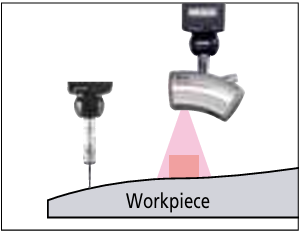 |
• Based on a CMM that supports quality assurance operations. • Allows the verification of non-contact measurement data with a contact probe. |
| Hybrid measurement | 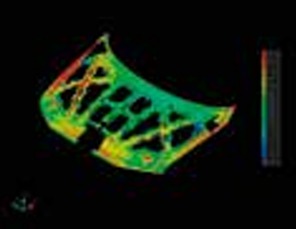 |
• Visualizes a shape that was previously invisible by establishing a plane from measured points. • Allows interchange between contact and non-contact probes according to the required measuring accuracy or workpiece shape. |
| Fully automatic measurement | 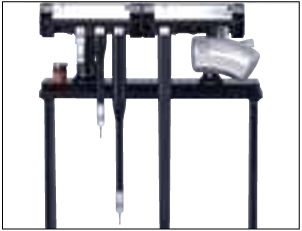 |
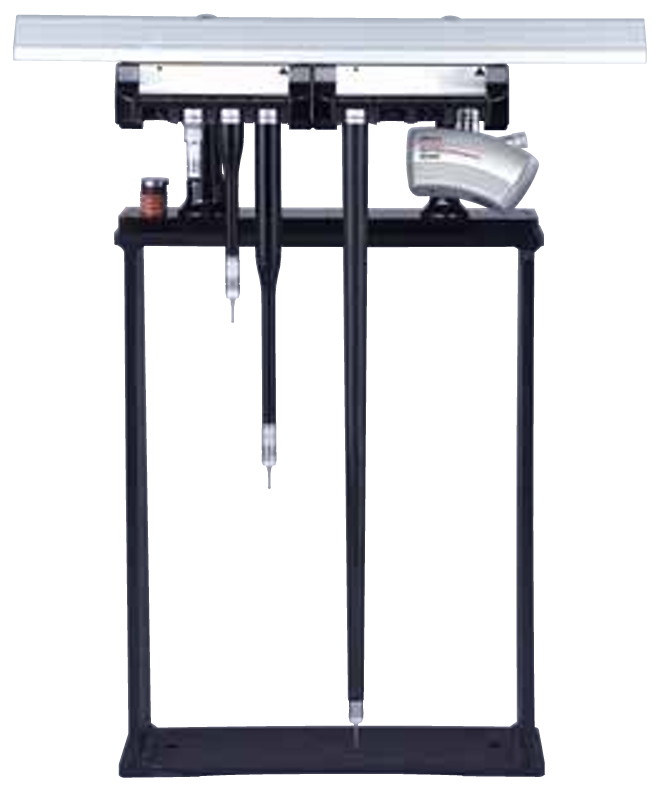
• Automatic probe change with a probe changing rack. • Allows programming a series of jobs from measurement to report creation. |
| High-speed scanning | Powderspray-less measurement | |
|
Positioning control in a maximum of 720 directions enables high-speed scanning of even complex workpieces in the optimum orientation. Additionally, the use of ACR3 allows you to make fully automated measurements while selecting “non-contact”
Note: Even after using the warm-up unit such as ACR3 (special order), it is necessary to warm up the laser for about 10 minutes. |
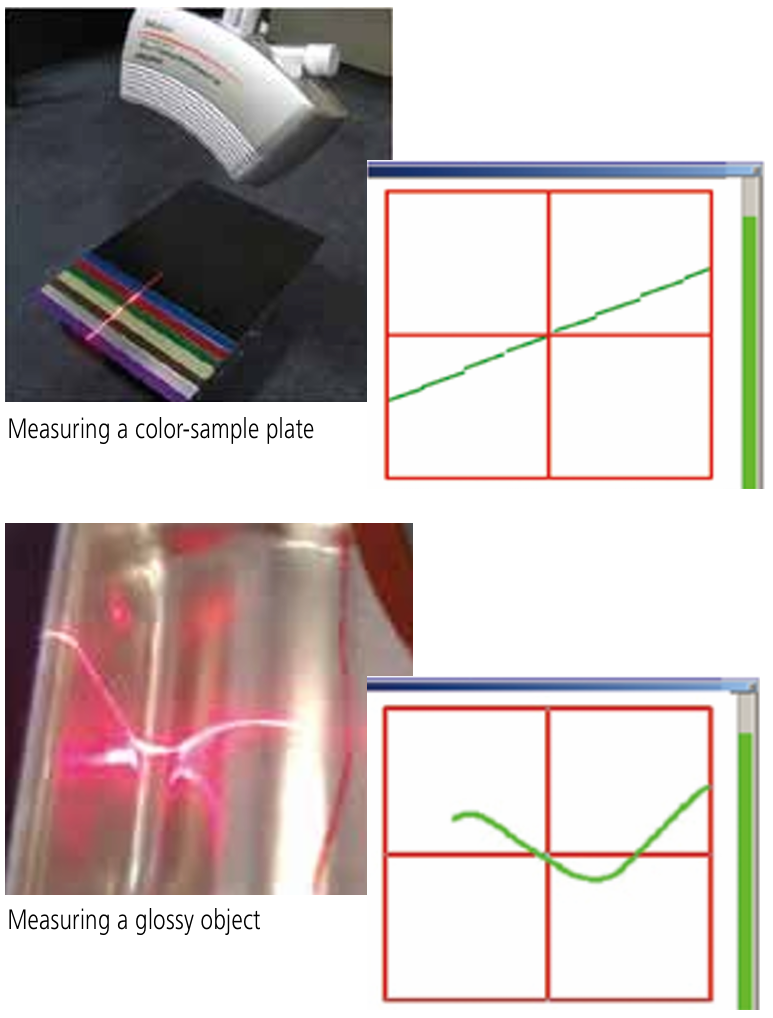
Since the laser intensity and camera sensitivity are automatically adjusted, stable shape data can be obtained even when the workpiece has multiple colors and varying degrees of reflectance.
|
| The flying spot type achieves high-reproducibility in edge detection that contributes to attaining best-in-class scanning accuracy (in the case of SurfaceMeasure 201FS) | 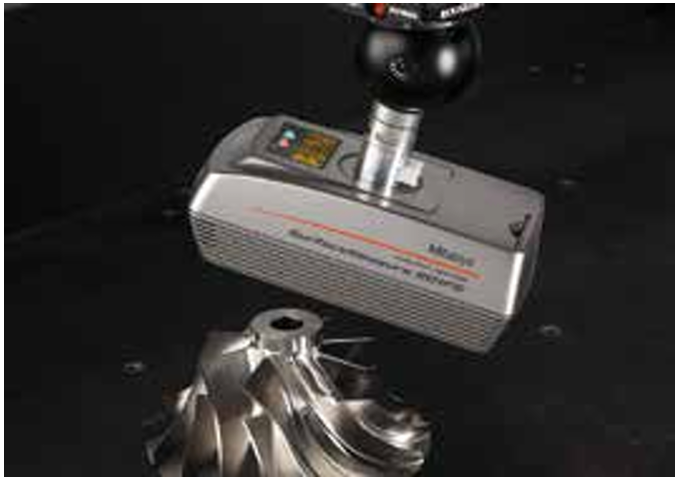 |
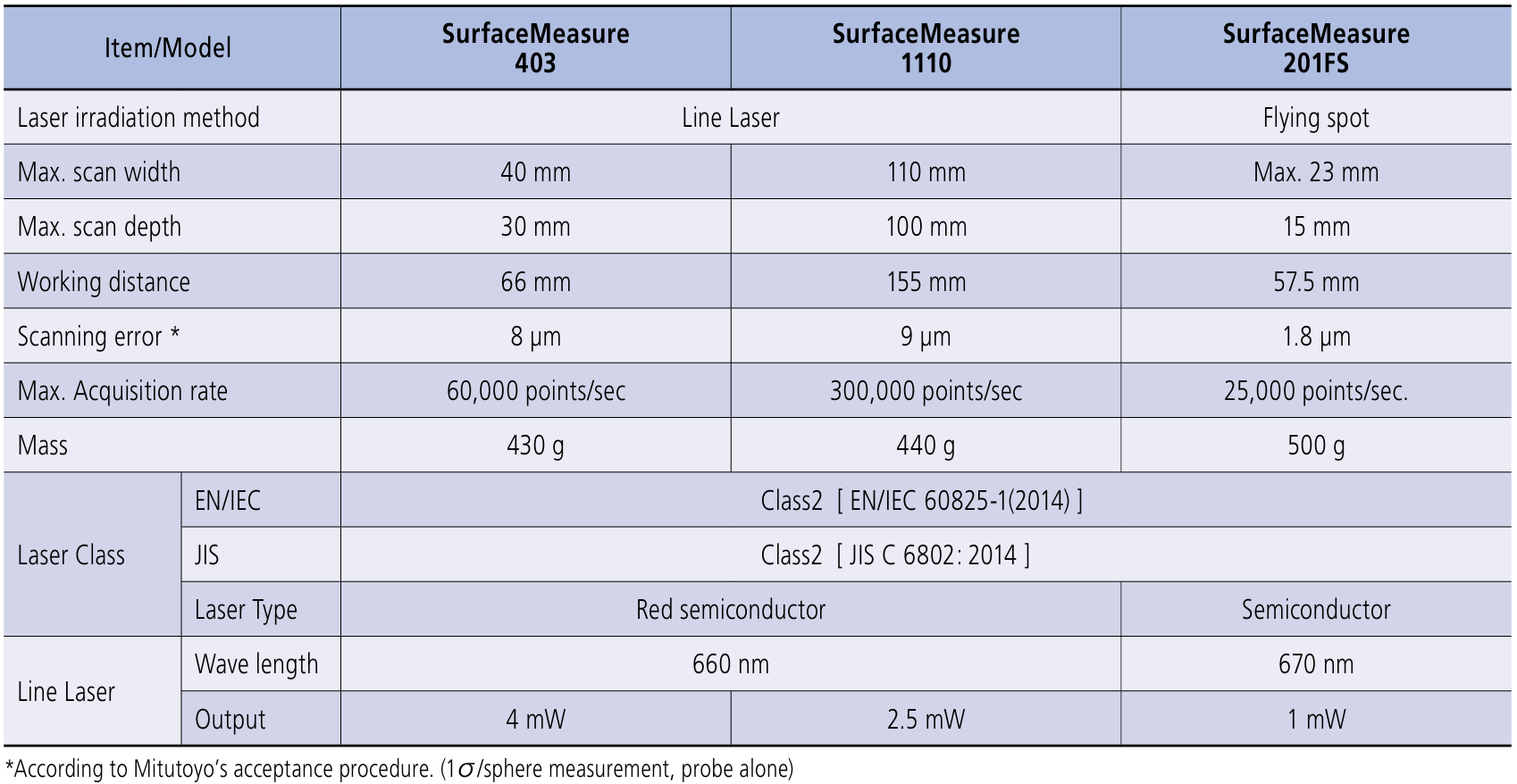
Specifications of the SurfaceMeasure Series
Mitutoyo offers an optimal choice of non-contact probes to satisfy practically any desired combination of accuracy, measuring speed and measuring range.
| SurfaceMeasure Lineup |
The four probes that make up the SurfaceMeasure lineup operate on any Mitutoyo CNC CMM such as the CRYSTA and STRATO series machines.
| Specification |
| Probe Features and Applications |
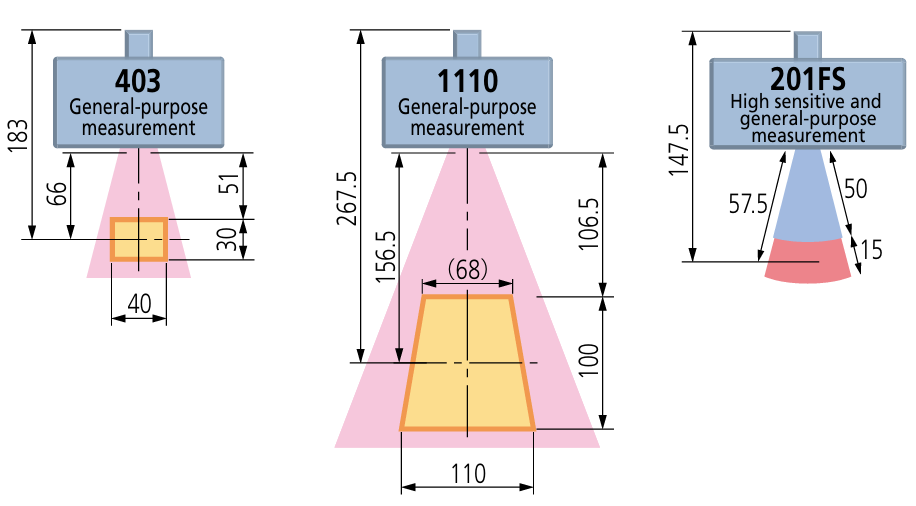
| Measuring Range |
Data Processing Software
| Point cloud data processing software MSURF V5.3 |
This is a package of point cloud data processing software that allows you to perform operations from measurement to evaluation on the same platform when using the MSURF non-contact laser probe SurfaceMeasure.
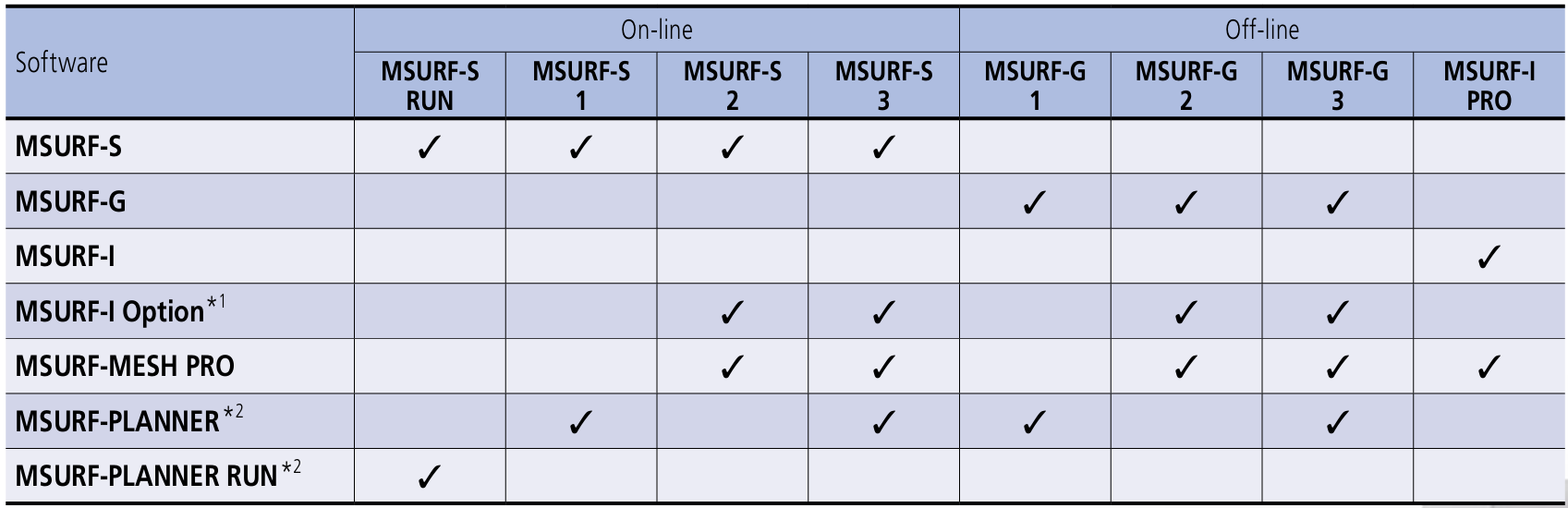
MSURF V5.3 software packages
*1: If you use both MSURF-S V5.0 and MSURF-I V5.0 on the same PC, please purchase MSURF-S V5.0 and MSURF-I Option V5.0.
*2: To run a measurement macro created by MSURF-PLANNER, software "MSURF-PLANNER RUN" is required separately.
* The MSURF series operates on Windows 7 (64bit) or Windows 10 (64bit). (As of February, 2021)
| MSURF-S |
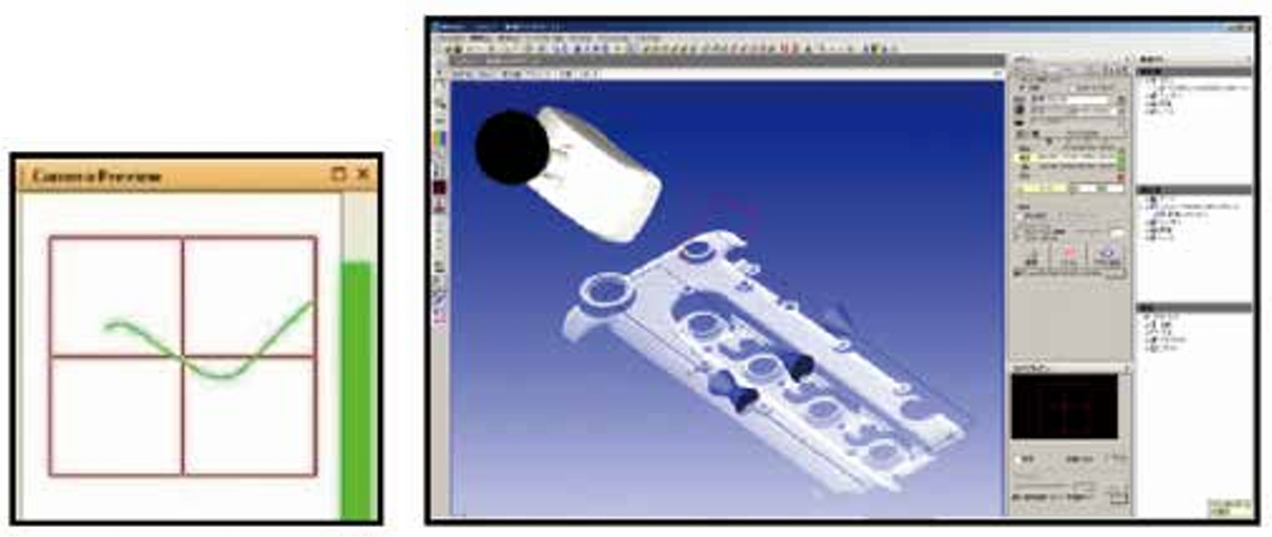
Calculates point cloud data measured by CNC CMM with SurfaceMeasure. Scanning paths can be created by simply defining three items: the scanning starting point, the scanning length, and the scanning width.
|
• You can easily define these three items using the joystick while checking the camera preview • If point cloud data or master data is displayed on the screen, you can define the three items using the mouse on the data. This feature is convenient for creating a measurement path based on simulation and for specifying areas where data needs to be remeasured, both of which are useful in reducing the number of measurement steps. These operations can be easily carried out using the joystick. Scanning paths can be registered as measurement macros. • You can use the override function to modify all or some of the measurement conditions in the created measurement macros. |
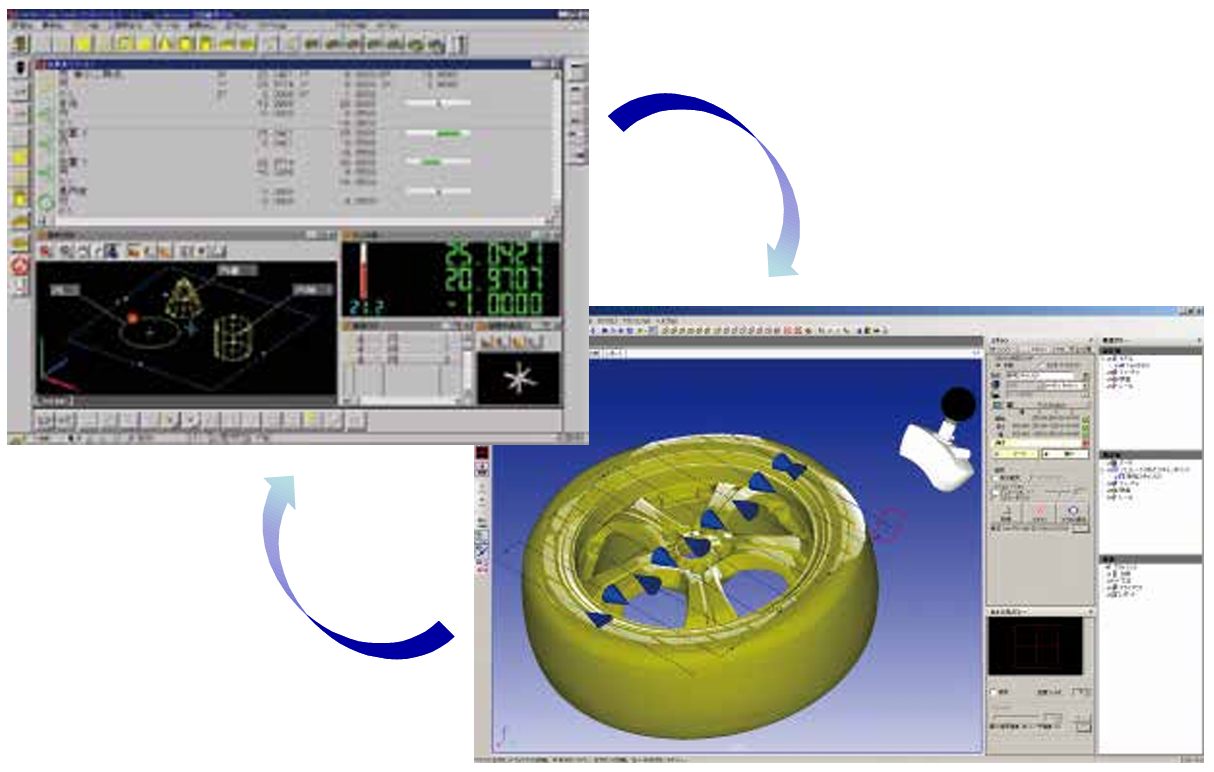
• It allows setting and execution of scanning paths and registration and deletion of the macro by using the joystick.Since measurement can be performed without PC operation, measurement efficiency is dramatically improved, particularly for large Coordinate Measuring Machines. MSURF-S can be started from MCOSMOS • Since a work coordinate system created in MCOSMOS can be utilized by MSURF-S, you can execute fully automatic measurements that merge “contact” and “non-contact” measurements. |
| MSURF-I |
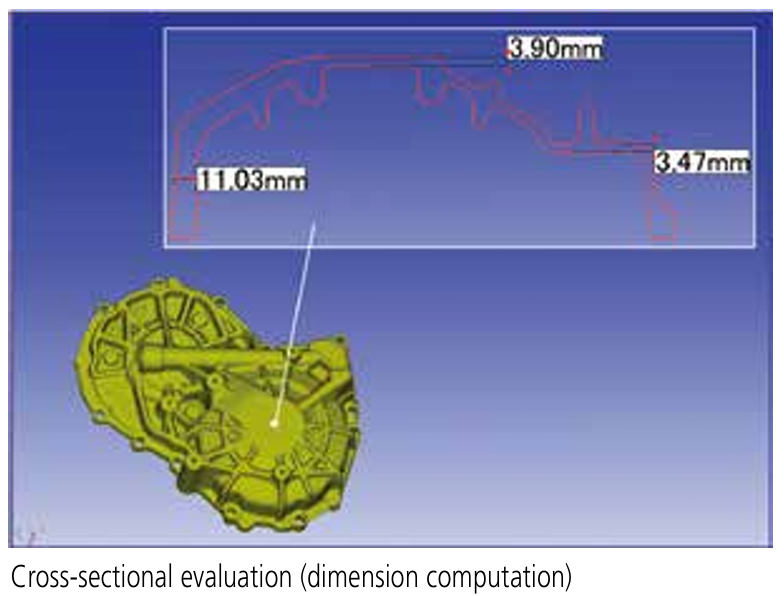
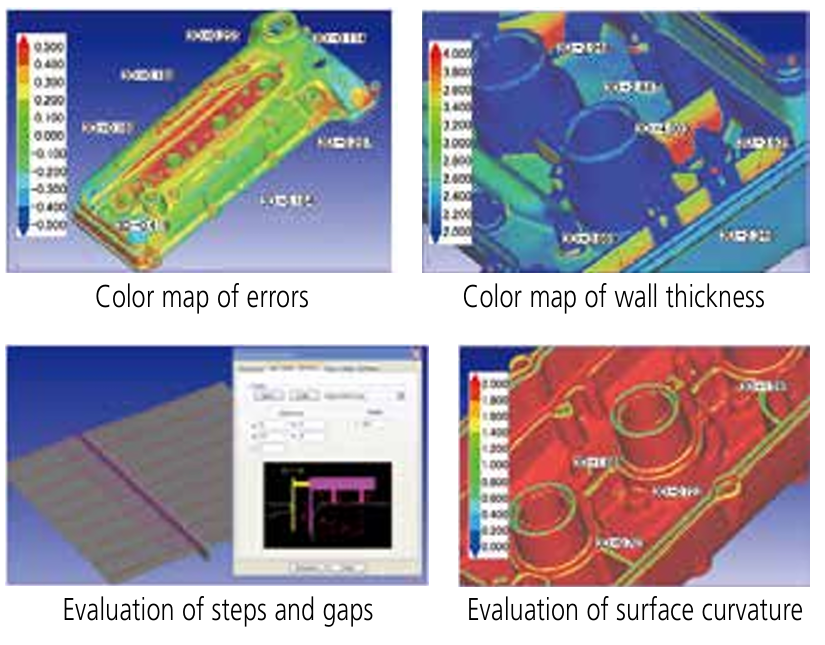
Conducts analysis or comparison verification of measured point cloud data in reference to nominal data (supporting CAD data import).
|
Importing CAD data Comparison of cross-sectional shapes
Creation of an operating procedure macro using the automation function |
Planar shape comparison
|
|
MSURF-G MSUR-G is off-line version of MSURF-G. It allows users to previously create measurement program using CAD data. Therefore, users can start measurement immediately at the time a real workpiece is ready. Since MSURF-G is a standalone PC application, only requiring installation by the user, it helps preserve valuable CMM time exclusively for productive measurement. |
MSURF-PLANNER RUN MSURF-PLANNER RUN is optional software required to execute and edit measurement macros created by MSURF-PLANNER. |
|
|
MSURF-MESH PRO This software is provided with various functions such as filtering point cloud data and mesh data. The software is enhanced by adding functions to standard ones. It also enables functions such as mesh data thinning-out, highlighting, interpolation and outlier removal that are unavailable as standard. |
 |
|
|
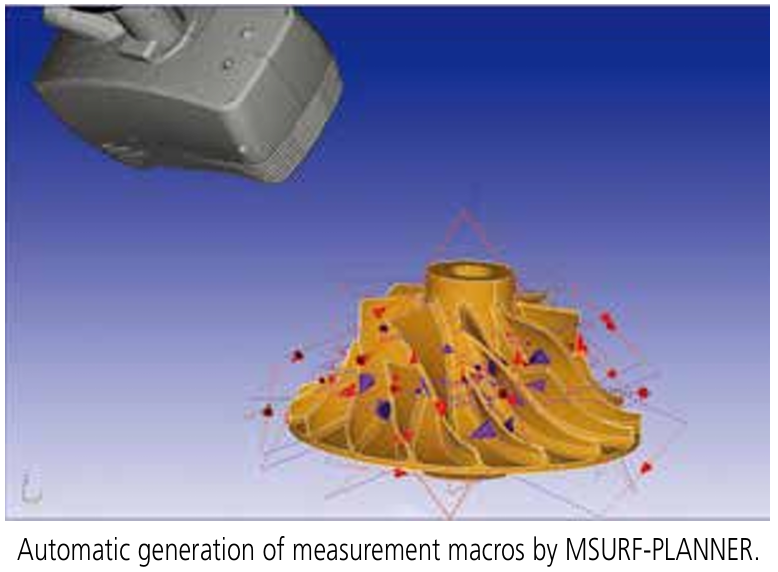
MSURF-PLANNER MSURF-PLANNER is software to automatically create measurement macros (surface form, feature form) for the line laser probe from 3D CAD data.Optimized data (travel path, number of probe head revolutions, etc.) of a measurement path will contribute to improvements in productivity. |

Share on Facebook

Share on X

Share on Pinterest
สินค้าที่เกี่ยวข้อง
Comment(s)
Recent Posts